People and compatibility
Add the people in your life with their birth details. Yuga shows how you match, what is going on for them now, and helps you understand each other.
How to use it
- 1Open People, tap the add button and choose “Add someone yourself”: their name, how they are related to you, and their birth date, time and place.
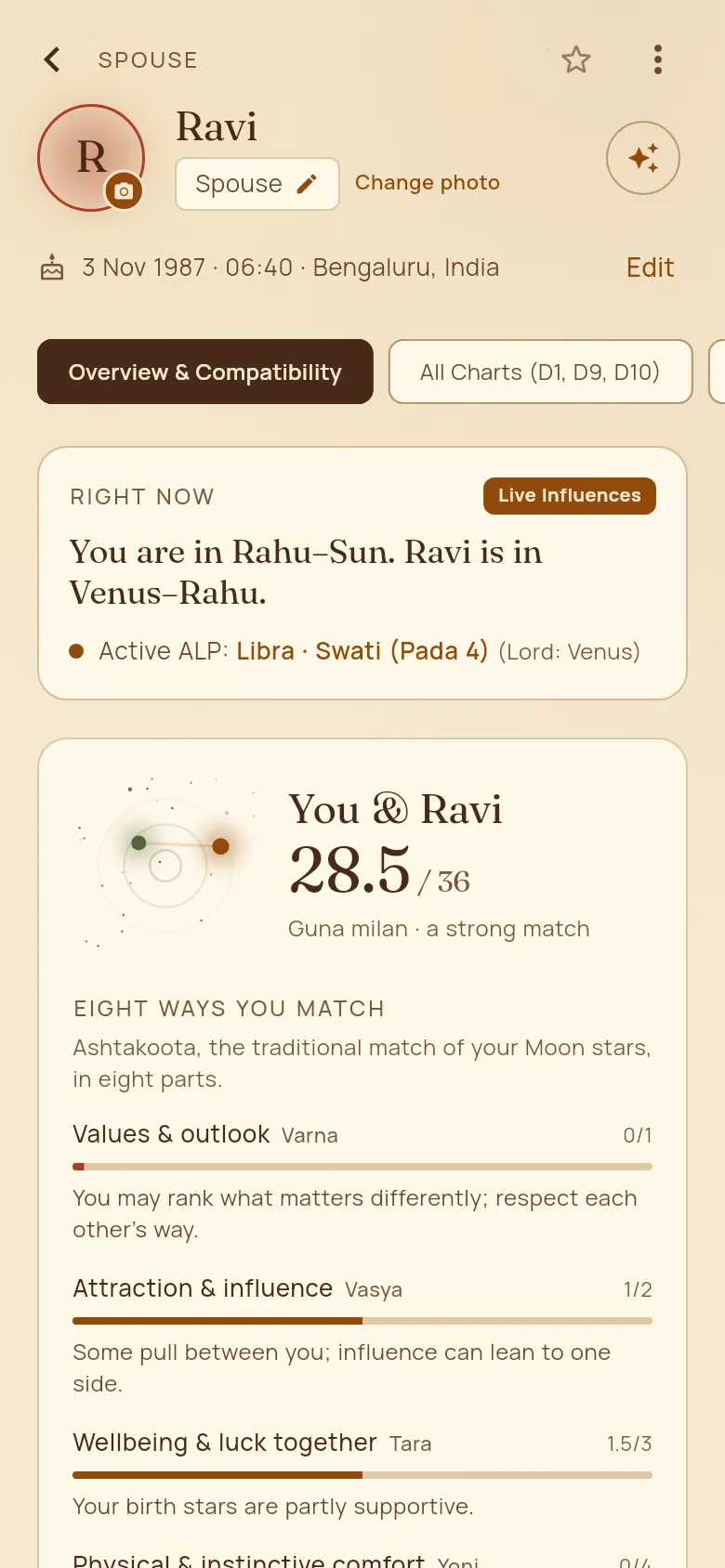
- 2Tap their card. “Overview & Compatibility” shows your match out of 36, each of the eight Ashtakoota parts in plain words, and what is live between you right now.
- 3“All Charts (D1, D9, D10)” shows their own chart.
- 4Tap “Ask Yuga about you and …” to talk about the two of you.
Good to know
- Tap the star on their page to make them a favourite: favourites come first in People and on home.
- To change how they are related to you, tap the label with the pencil under their name.
- On home, a long press takes someone off the row.
- Someone you added has “Invite to Yuga” on their page: send them the invitation on WhatsApp, and when they join, the same card links to them. To find someone already on Yuga, type their phone number in the search box.