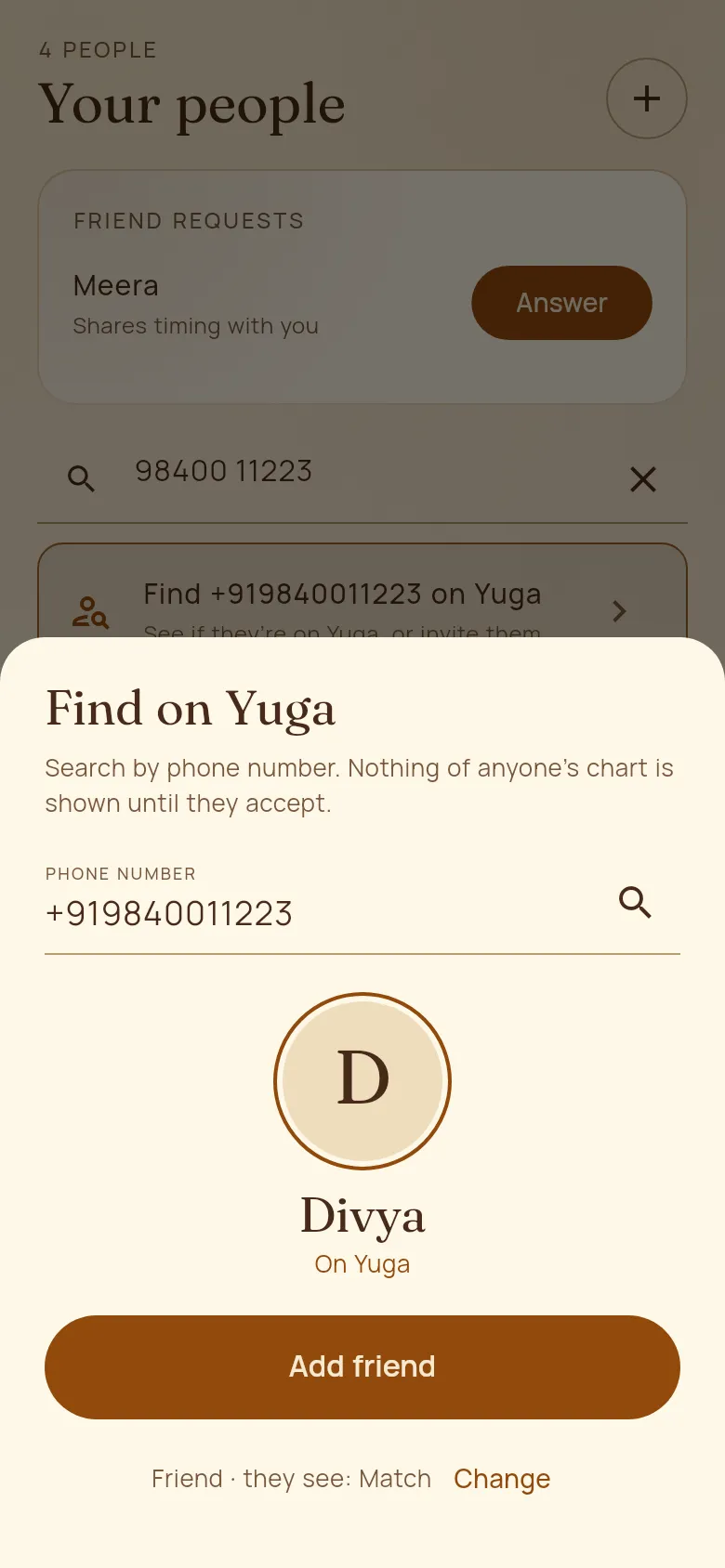
Friends on Yuga
Find friends by phone number, or invite them by WhatsApp. You see how you match without either of you giving away your birth details, and each of you chooses what the other sees.
How to use it
- 1In People, type a phone number in the search box and tap “Find … on Yuga” (or tap + and “Find on Yuga by phone”). You see their first name and photo.
- 2Tap “Add friend”. The line under it shows the relationship and what they will see of your chart; tap Change to pick others.
- 3Not on Yuga yet? Tap “Invite to Yuga”, then “Send on WhatsApp” or “Send as a text message”. When they join with that number, your request is waiting. Someone you added yourself has “Invite to Yuga” on their page too, and joins that same card.
- 4They tap Respond (or Answer in People), choose what to share, and Accept. Each of you picks: Private, Match, Timing, Ask Yuga, or Full chart, and can keep topics off limits.
Good to know
- Unless you choose Full chart, your friend never sees your birth details or your chart, only plain themes.
- Profile → Sharing with friends: change what you share, turn off “Let people find me by my phone number”, or unblock someone. “Decline and block” stops a person’s requests.