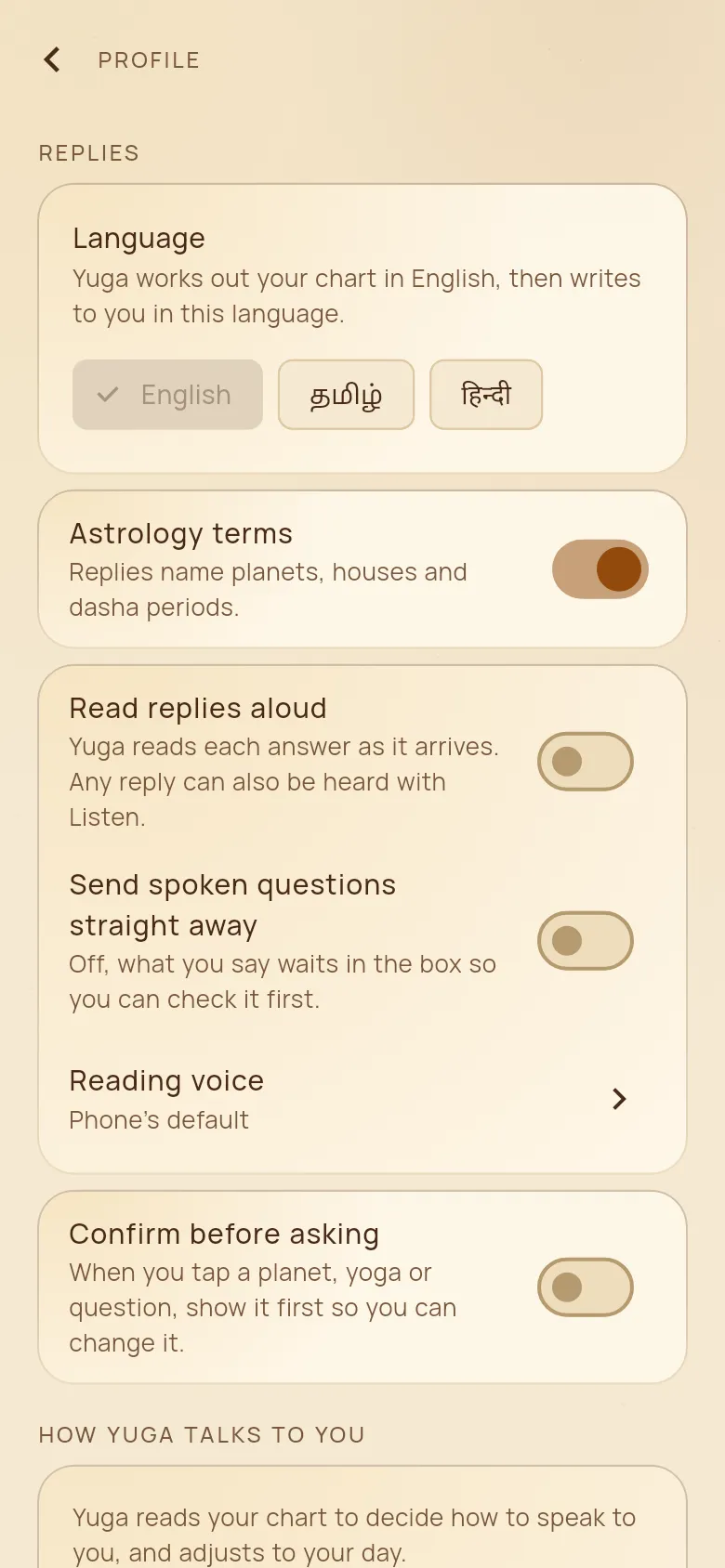
Make Yuga yours
In Profile you choose your language, how Yuga talks to you, and how the app behaves.
How to use it
- 1Tap your photo at the top right of home to open Profile.
- 2Language: English, Tamil or Hindi. The app and every answer switch at once.
- 3Astrology terms: on to have planets, houses and dashas named; off for plain words only.
- 4Read replies aloud, Send spoken questions straight away, and Reading voice.
- 5How Yuga talks to you: tone, length and format, read from your chart or chosen by you.
- 6Also: Lock with fingerprint or face, Text size, Chart style, the place for Daily timings, and Notifications.
- 7Sharing with friends: what new friends see, what each friend sees, “Let people find me by my phone number”, and the people you blocked.
Good to know
- When a new version of Yuga is out, the app asks you to update; tap Update, or Later.
- Delete account is at the end of Profile. It removes your account and your data.