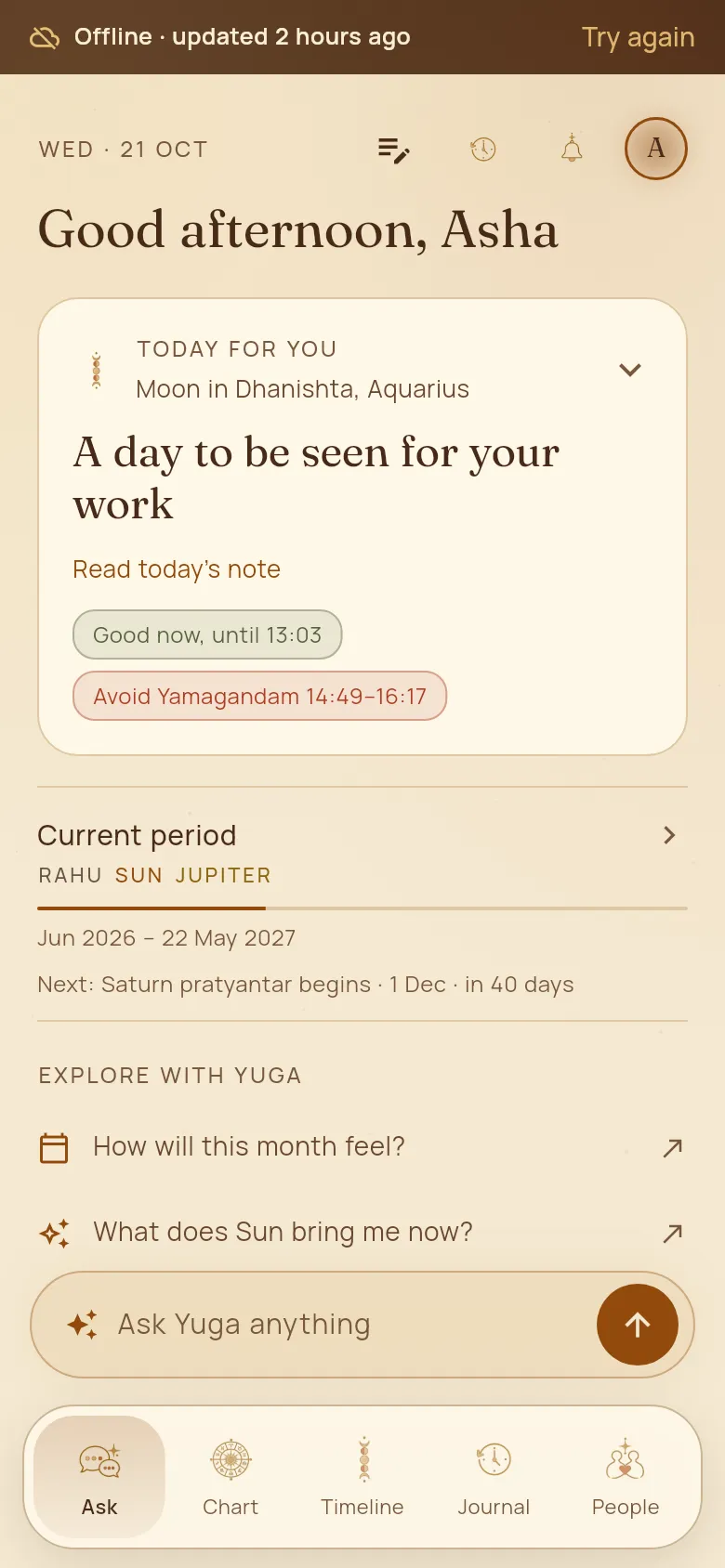
Works offline
No signal? Yuga still opens with everything you last saw: your day, chart, timeline, people and journal. Today’s timings are kept for the week ahead.
How to use it
- 1When you are offline, a strip at the top says “Offline · updated …” so you know how fresh it is. Tap “Try again” when you are back.
- 2Note events in your journal as usual. They are kept on the phone and sent when you are online.
- 3Ask a question and it waits: Yuga answers as soon as you are back online, with a notification if you are not looking.
Good to know
- Signing out clears everything kept on the phone.