Check my birth time
Birth times are often rounded, and a few minutes can move your dasha dates and your career chart. Yuga checks your recorded time against the events of your life, and suggests another only when one fits clearly better.
How to use it
- 1Open Profile and tap “Check my birth time”.
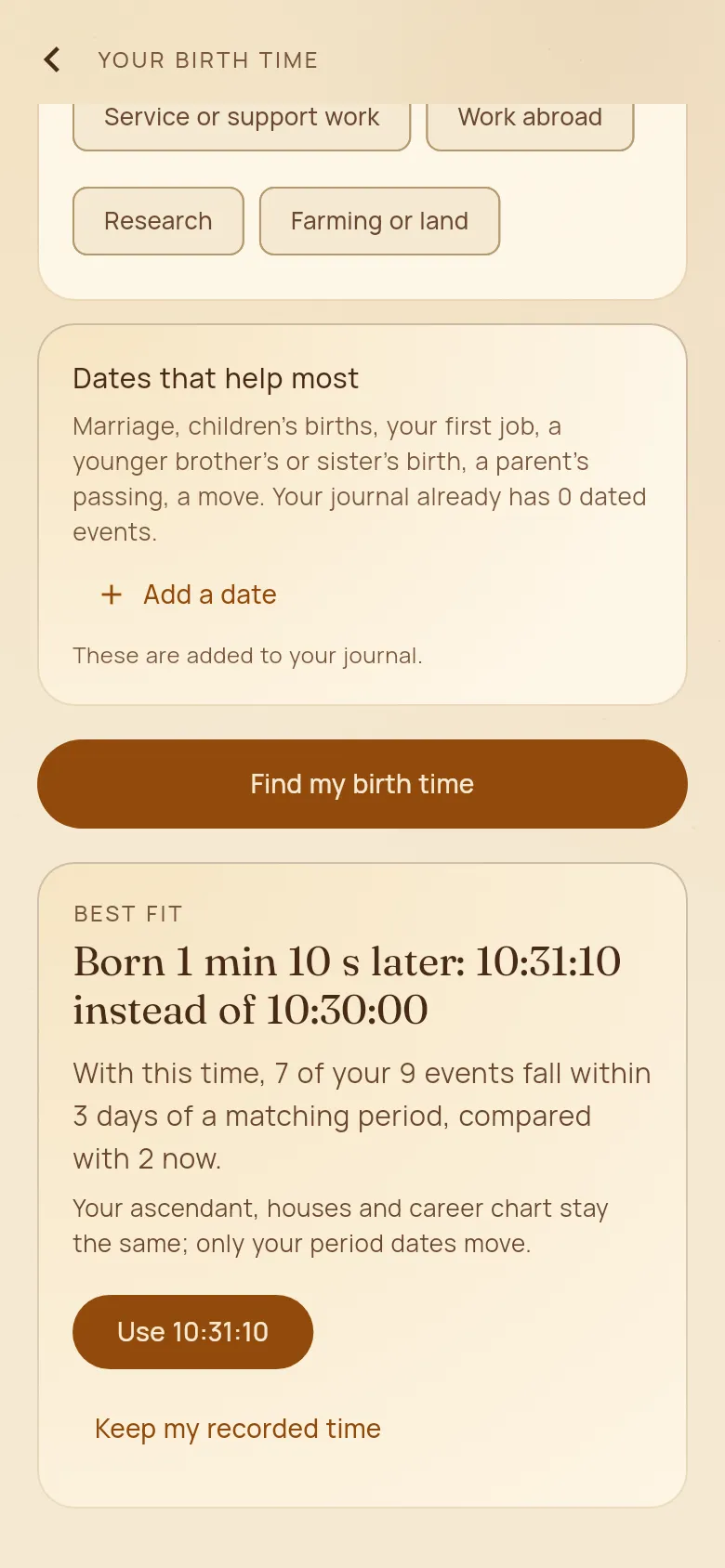
- 2Answer a few questions, such as your work and your father’s work, and add the dates that help most: marriage, children’s births, your first job, a sibling’s birth, a parent’s passing, a move. They are added to your journal.
- 3Tap “Find my birth time”. Yuga tries every time within half an hour of yours.
- 4If a time fits clearly better you see a short summary. Tap “Use …” to switch, or “Keep my recorded time”. Nothing changes until you choose.
Good to know
- Your recorded time is kept: you can go back to it in Profile at any time.
- The more dated events in your journal, the surer the answer.