Speak and listen
Ask out loud and hear the answer, in English, Tamil or Hindi. Your phone does the listening and the reading; Yuga keeps no recordings.
How to use it
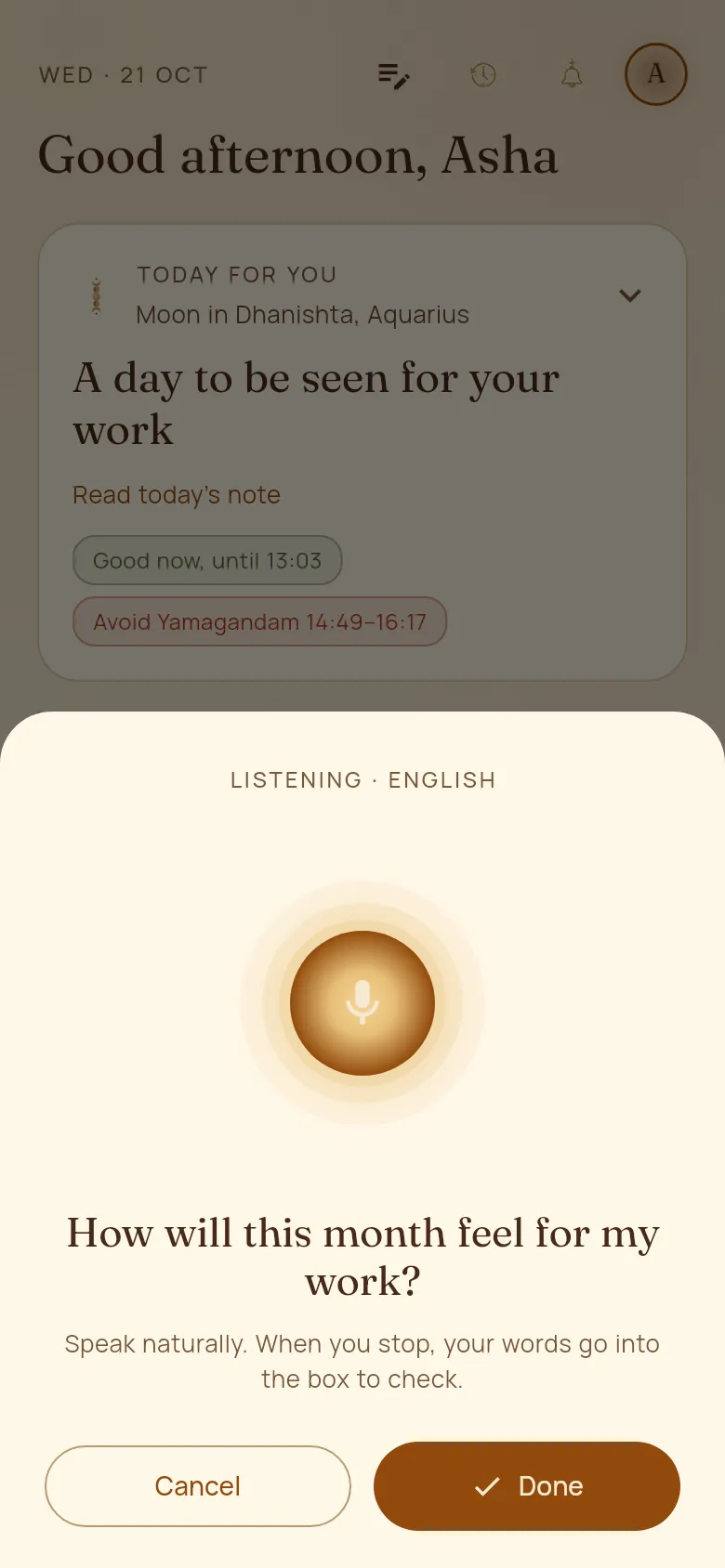
- 1Tap the microphone in the Ask box (it shows while the box is empty).
- 2Speak naturally. Tap Done when you finish: your words go into the box so you can check them before sending.
- 3Under every answer, tap Listen to hear it read. While it reads you can pause, change the speed or stop.
- 4In the Journal, the note box has a microphone too.
Good to know
- In Profile you can have replies read aloud as they arrive, send spoken questions straight away, and choose the reading voice from the voices on your phone.
- More voices can be added in your phone’s settings, under Text-to-speech.