Ask Yuga
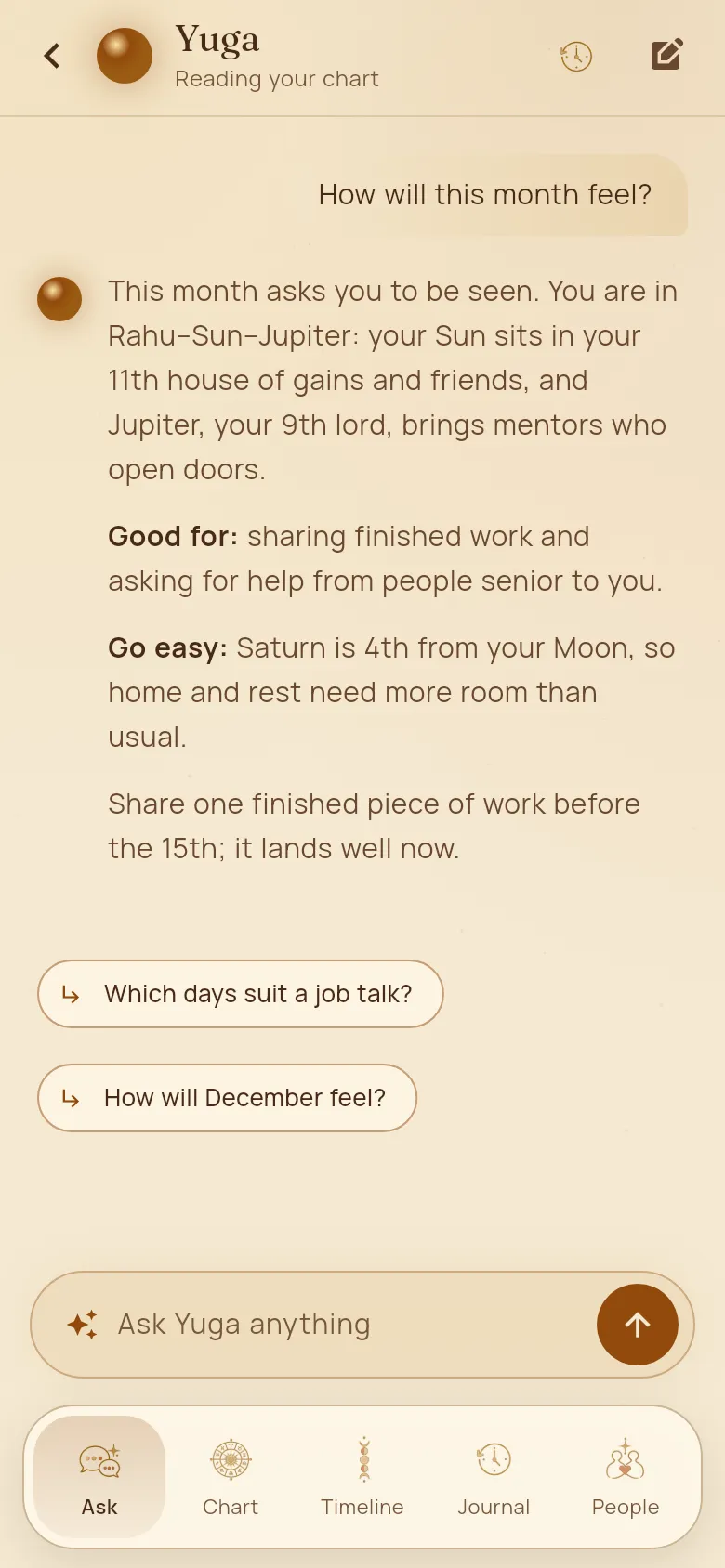
Ask anything about your life in your own words: work, money, health, family, love, a decision or a date. Yuga reads your chart and answers in plain language.
How to use it
- 1Type in “Ask Yuga anything” at the bottom of the home screen, or tap a suggested question.
- 2Yuga looks at your chart, the period you are in and today’s sky, then answers. Tap a follow-up under the answer to go deeper.
- 3Ask about anyone in your People by name, for example “How will Ravi and I get on this year?”
- 4Tap the clock at the top for past conversations, or the pencil to start a new one.
Good to know
- Yuga remembers what matters from your conversations, like your work, your family and what you are going through, so you don’t have to repeat yourself.
- Want planets, houses and dashas named, or plain words only? Switch “Astrology terms” in Profile.
- Each question uses one message. See Messages and plans.